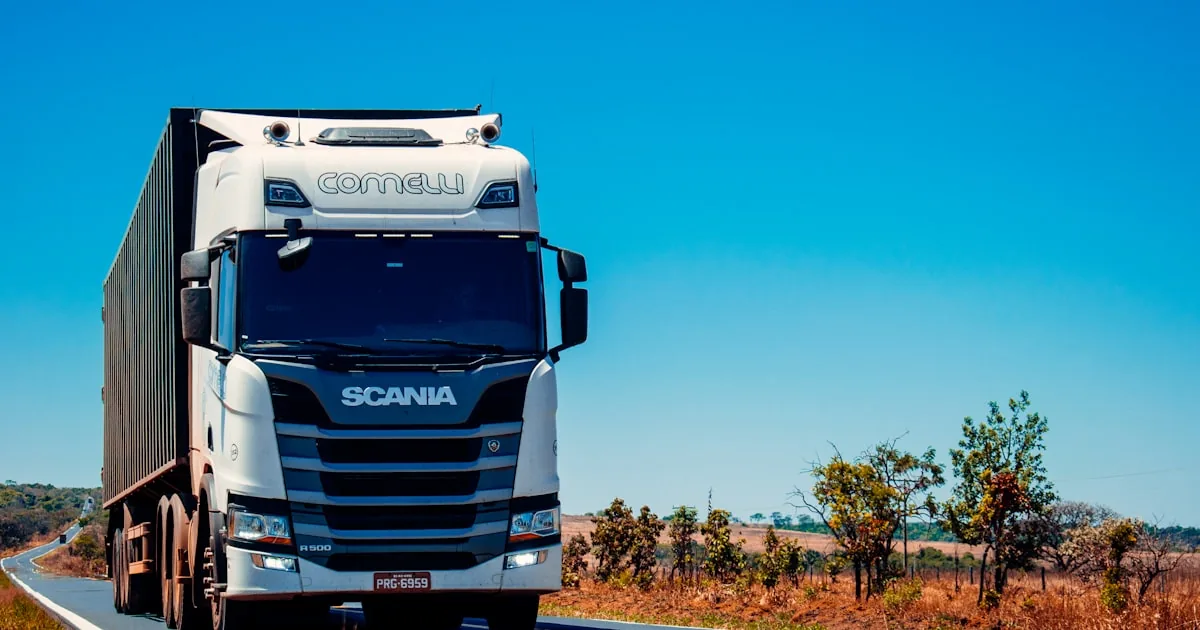
Shopify local delivery is a checkout method for addresses near a fulfillment location. You turn it on per location in Settings → Shipping and delivery, not by installing a “delivery app” as a substitute for a missing address. It is not carrier shipping, and it is not local pickup. Screens move; use Shopify Help Center: local delivery (also listed under pickup and local delivery) when a label in your admin differs.
Quick answer
Give every location that will deliver a complete street address. Activate local delivery for that location. Choose a radius or a list of postal codes, set rates (and any order minimums Shopify currently offers), and write delivery information customers will see at checkout—hours, cutoff, what you will and will not bring. Leave local pickup off unless someone can walk in and collect. Do not add shipping countries or Markets you will not serve. Place a test order to an in-radius address and an out-of-radius address.
Local delivery vs local pickup vs shipping
| Method | Who moves | When to use it |
|---|---|---|
| Local delivery | You (or a driver you hire) take the order to the customer | Same city / a tight radius you can actually drive |
| Local pickup | The customer comes to the location | You have a counter, hours, and a way to mark orders ready |
| Carrier shipping | A postal or parcel carrier | Addresses outside your delivery area |
Checkout shows a method only if that method is configured for the customer’s address. A homepage sentence that says “we deliver locally” does not create a rate. Carrier rates still come from shipping rates and shipping zones. If you only deliver locally, do not leave a “Rest of world” zone with a cheap rate.
Shopify Help documents a maximum delivery radius of 160 kilometers or 100 miles. The radius does not extend into another country, even if you enable a neighboring-state option. You can add up to 10 delivery zones per location, each with its own conditional prices. Confirm those limits in the current Help article; they can change.
Prerequisites
- A location with a real street address in Settings → Locations (Shopify uses it to measure radius).
- Inventory assigned to that location, or a fulfillment workflow you will actually follow.
- Checkout that can take a payment.
- A shipping or delivery policy that matches what checkout charges.
If you already run Shopify POS at that location, staff can work those orders from the same location. POS is not required to turn local delivery on for the Online Store.
Step-by-step: turn on local delivery
- Open Settings → Shipping and delivery. Find Local delivery (wording may be “Local methods”).
- Choose the location. Enable local delivery for that location only.
- Area. Pick radius or postal codes. Start smaller than you think. A radius you cannot staff is a refund queue.
- Optional: neighboring states or regions, if Shopify shows it and you will actually cross that border. Do not use it to “cover” a country you will not enter.
- Rates. Set a fee, free over an order amount, or additional price rules if your admin offers them. Match the shipping policy.
- Hours and information. Add the text checkout shows: days you deliver, latest order time you will honor, how you contact the customer, what happens if nobody is home. Native local delivery is a method and a rate, not a full date-and-slot picker. If you need booked windows, that is a separate app decision—read Shopify’s current checkout rules before you install one.
- Save. Repeat for a second location only if that location has its own drivers and inventory.
What not to enable
Do not activate extra countries in Markets or extra shipping zones “in case someone orders.” If checkout offers a country, someone will complete it. Local delivery will not appear for an address outside the radius or postal list; a leftover international rate might. Keep the store on the launch checklist until a test cart in your city and a test cart in another country both behave as you intend.
Fulfill the order
Local delivery orders still need a fulfillment. Mark them delivered when the goods leave, using Shopify’s current local-delivery fulfillment flow (Help documents printing packing slips and completing delivery). Do not mark fulfilled at payment if the bag is still in the shop. If a driver uses POS, use the same location so inventory is not deducted twice.
Common mistakes
- Radius copied from a competitor with a van fleet you do not have.
- Pickup and delivery both on, with no instructions, so customers pick the cheaper wrong method.
- Delivery hours only on Instagram.
- Enabling every country in the general shipping profile, then wondering why a distant checkout succeeded.
- Expecting native local delivery to collect a chosen time slot.
What to do next
Finish checkout settings and walk the launch checklist. Hub: Shopify 101. Pillar: complete guide.
Local delivery setup is a merchant operations task. If you later need a theme that explains pickup versus delivery clearly, AalphaLeo Digital Solutions (+91 9288621081) can help. You still own the radius and the driver schedule.
Frequently asked questions
Is local delivery the same as local pickup?
No. Delivery means you take the order to the address. Pickup means the customer comes to the location. Enable only what you staff. See Shopify’s pickup Help article linked above.
Can I deliver across a country border?
Shopify’s documented radius does not extend into other countries. Confirm the current Help article. Cross-border “local” delivery is a customs and carrier problem, not a radius checkbox.
Do I need an app for local delivery?
Not to offer the method and a rate. Apps are for scheduling, capacity, or driver routing Shopify does not ship in admin. Do not install one until a test order without the app already works.
Will POS automatically deliver orders?
POS can help a staffed location fulfill and track local orders. It does not replace turning local delivery on in Shipping and delivery, and it does not create a driver.

AalphaLeo Digital Solutions
Publisher of FACTASH. Practical technology, AI, and search operations writing. No invented credentials.
Publisher pageRelated articles

What Is Shopify? A Plain-Language Explanation for New Store Owners
Shopify is a hosted commerce platform for selling online, in person, and on connected channels from one admin. What it includes, what you st…

What Are Shopify Product Tags and How Should You Use Them?
Shopify product tags are admin merchandising labels for collections, search, and apps—not a ranking shortcut. Naming conventions, what to ta…
What Are Shopify Apps and How Do They Work?
Shopify apps connect to your store via permissions, App Store install, theme embeds, and fees. Native tools vs third-party, scopes, and what…